
A Webflow & Framer-Focused Security Guide
In 2026, having a beautiful website is not enough. If your site is not protected, it becomes a target website for automated bots, phishing attempts, and data scraping tools.
Security is no longer optional. Whether you run freelance websites, SaaS platforms, or business portals, Website security directly impacts your reputation, SEO, and revenue.
This guide explains how to build a safer website using Webflow and Framer, and how to perform a complete website security check the right way.
Why Website Security Matters More in 2026
Cyber threats are smarter. AI-driven bots now scan millions of sites daily looking for:
- Weak authentication
- Outdated integrations
- Open forms
- Poor hosting configurations
If your client ever asks, is it safe website, the answer must be backed by real security infrastructure — not assumptions.
Modern security impacts:
- Brand trust
- Conversion rates
- Search visibility
- Legal compliance
- Data protection
Security is no longer technical hygiene. It is business positioning.
Webflow & Framer: Why They’re Stronger by Default
Unlike traditional CMS systems, Webflow and Framer reduce attack surfaces significantly.
With webflow security, hosting is managed, SSL is automatic, and infrastructure is centralized. That removes risks common in plugin-heavy platforms.
However, platform strength does not eliminate responsibility. A strong system still needs proper configuration, structured content, and monitoring.
That is where structured audits and ongoing optimization come in.
Step 1: Perform a Full Website Audit
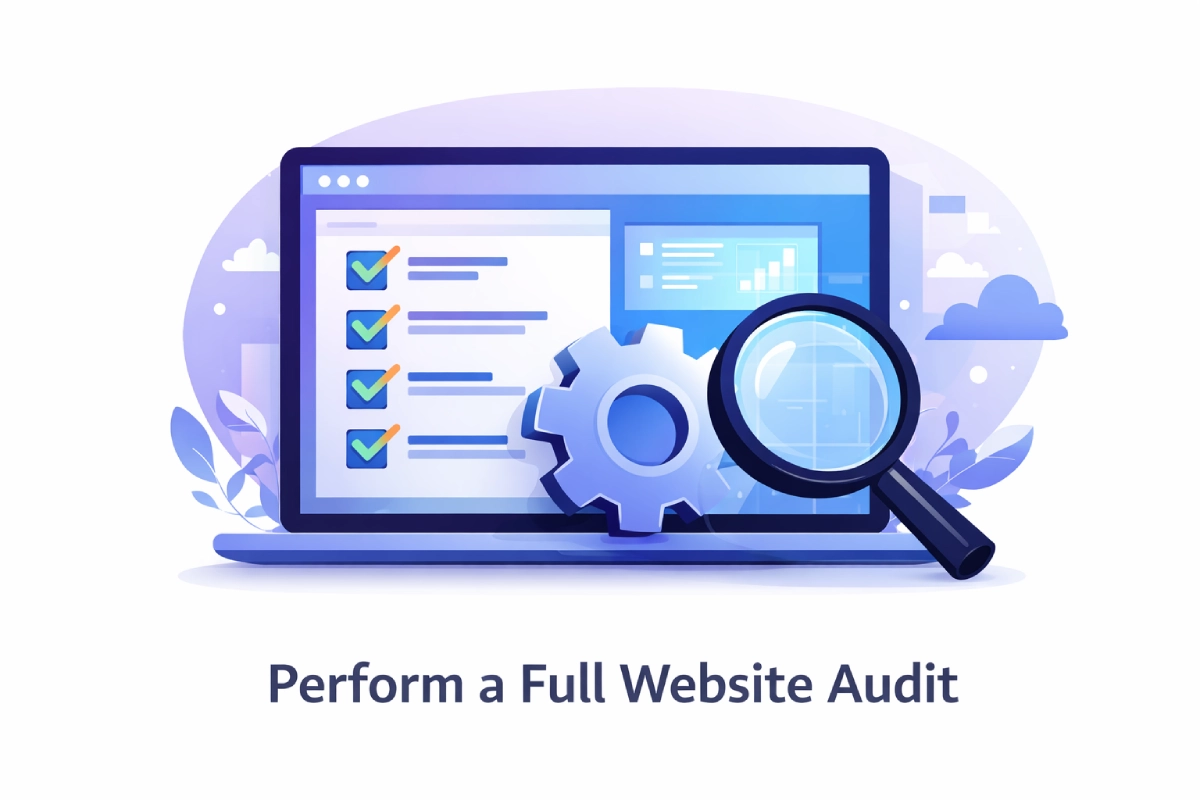
Before improving security, conduct a complete website audit.
This should include:
- Domain configuration review
- SSL verification
- Form endpoint testing
- Role-based access review
- CMS structure validation
- Third-party script review
A proper website audit identifies hidden vulnerabilities that could expose data.
For Webflow users, this includes checking CMS permissions, API access, and project sharing settings.
For Framer users, review custom code embeds and external integrations.
Step 2: Run a Website Security Check

A website security check ensures your configuration aligns with best practices.
Key areas to review:
- HTTPS enforcement
- Password policies
- Admin access limits
- Spam protection
- Bot filtering
- Backup policies
If your website ever gets blocked or flagged by browsers, users may start searching for a website unblocker, which damages brand credibility. Prevention is easier than recovery.
Step 3: Strengthen Webflow Security Properly
Even though Webflow provides strong infrastructure, advanced setups require deeper review.
A proper webflow security audit should examine:
- Hosting configuration
- Form submission security
- CMS data exposure
- API integrations
- Team access permissions
This is especially important if you are running dynamic webflow templates or large CMS structures.
If you are using a custom webflow template or building multiple webflow templates for clients, access control and structured CMS setup become critical.
Security must scale as your system scales.
Step 4: Secure Framer Projects Strategically
Framer sites often include:
- Custom scripts
- External embeds
- Advanced animations
- Third-party analytics
These integrations create flexibility, but also new exposure points.
Always:
- Limit script sources
- Validate embed security
- Avoid unnecessary external dependencies
- Monitor performance impact
Security and performance are directly linked.
Step 5: Protect Freelance and Agency Websites

If you manage freelance websites or operate as a webflow agency, security becomes your responsibility.
Clients trust agencies to deliver not only design but protection.
Strong security positioning improves:
- Client retention
- Premium pricing
- Trust signals
- Long-term contracts
Even companies hiring through webflow careers pages evaluate agency credibility based on technical maturity.
Security builds authority.
Step 6: Combine Website Security with Webflow SEO

Security directly influences webflow seo performance.
Google prioritizes:
- HTTPS
- Clean infrastructure
- Fast load times
- No malware flags
A compromised site can destroy ranking overnight.
Security is not separate from SEO. It is foundational.
Step 7: Reduce Visibility as a Target Website
Bots scan for predictable patterns.
To reduce becoming a target website:
- Use structured CMS naming
- Limit public API exposure
- Remove unused forms
- Avoid generic admin paths
- Monitor unusual activity
The goal is to create a safer website by minimizing predictable weaknesses.
How Flowfye Helps Secure Webflow & Framer Projects
At Flowfye, security is integrated into every project phase.
Webflow & Framer Development
We build with security-first architecture, structured CMS permissions, optimized hosting configuration, and scalable setups.
UI/UX Design
Security is built into user flows, form logic, and access design to reduce misuse and abuse.
Theme & Website Customization
We strengthen existing webflow templates and customize webflow template structures without exposing vulnerabilities.
Platform Migration
During migration, we eliminate legacy security risks and rebuild infrastructure properly on Webflow or Framer.
Maintenance & SEO Optimization
Ongoing monitoring, structured website security check processes, webflow security audit reviews, and performance optimization ensure long-term stability.
We do not just design websites. We engineer digital stability.
Final Thought
In 2026, website security is no longer a technical afterthought. It is a competitive advantage.
A business that invests in website security communicates professionalism.
A company that runs regular website audit checks builds trust.
An agency that understands webflow security stands above generic providers.
If someone asks, is it safe website, your answer should not be a guess.
It should be a system.
Security protects your brand.
Security protects your SEO.
Security protects your growth.
Build beautifully.
But secure intelligently.

