Introduction
In 2026, figma to webflow workflows define how modern websites are built. Designers create structure in figma design, developers execute through webflow development, and businesses expect fast, scalable, SEO-friendly results.
Yet many projects fail after handoff. Not because Webflow lacks features, and not because webflow templates are weak, but because the original figma files were never prepared for real production environments. What looks perfect in design often collapses when connected to webflow cms, real content, and real users.
This blog explains the most common figma design mistakes that break Webflow builds in 2026 and shows how Flowfye solves them through structured custom website development services.
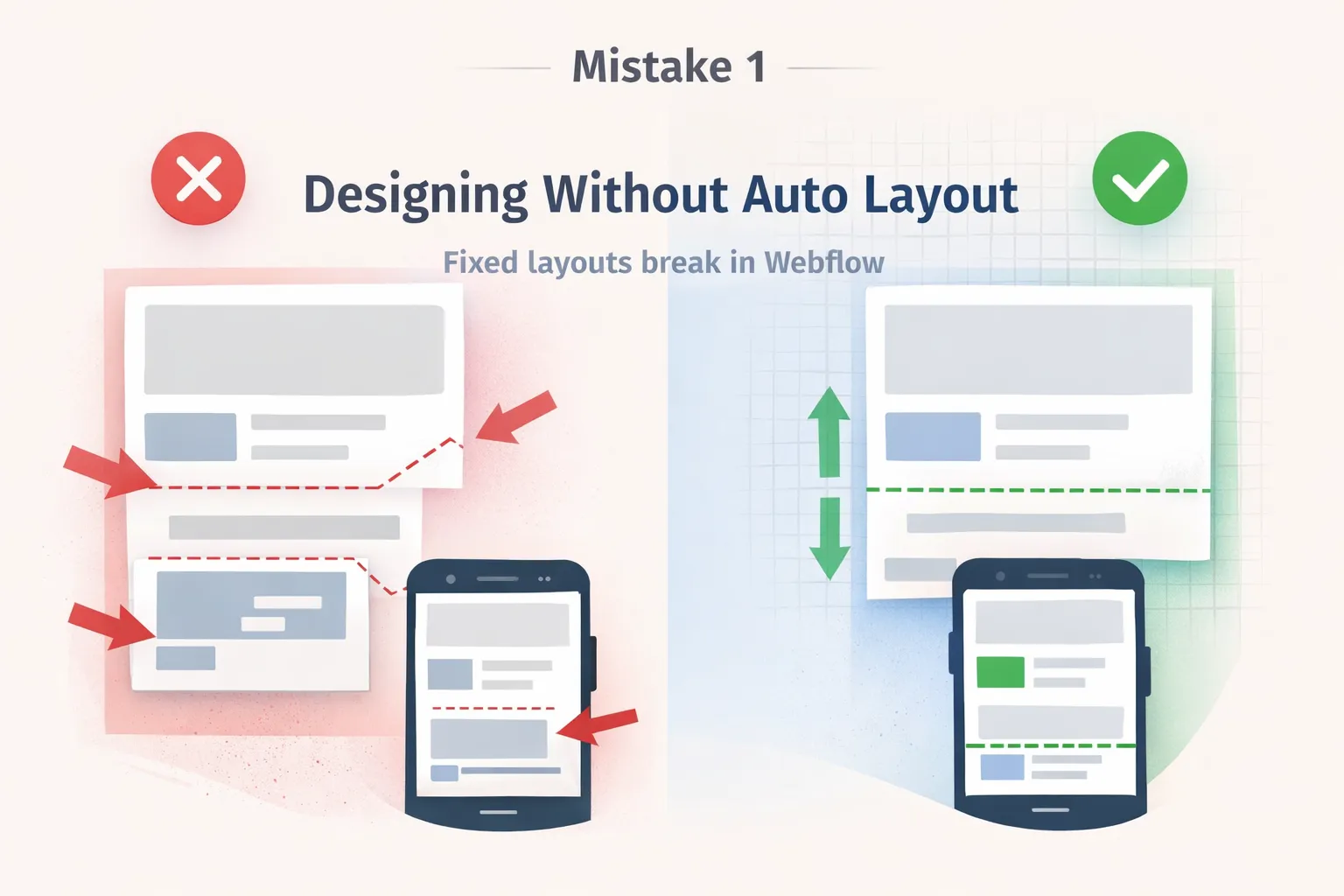
Mistake 1: Designing Without Auto Layout for Real Webflow Structure
Many designers still treat auto layout as optional and design pages visually instead of structurally. In figma design, this often means aligning elements manually rather than defining how content should flow, grow, or shrink.
When those figma files move into figma to webflow or figma to code workflows, the lack of structural intent becomes immediately visible. Webflow cannot guess layout logic that was never defined in design.
As a result, developers must reinterpret spacing, alignment, and hierarchy manually, slowing down webflow development and increasing the risk of inconsistency across breakpoints.
Why this breaks Webflow builds
- Webflow relies on flexbox and grid, not fixed positioning
- Responsive behavior becomes unpredictable
- Automation tools cannot infer layout intent
Without auto layout thinking, even experienced webflow agency teams must rebuild layouts instead of implementing them.
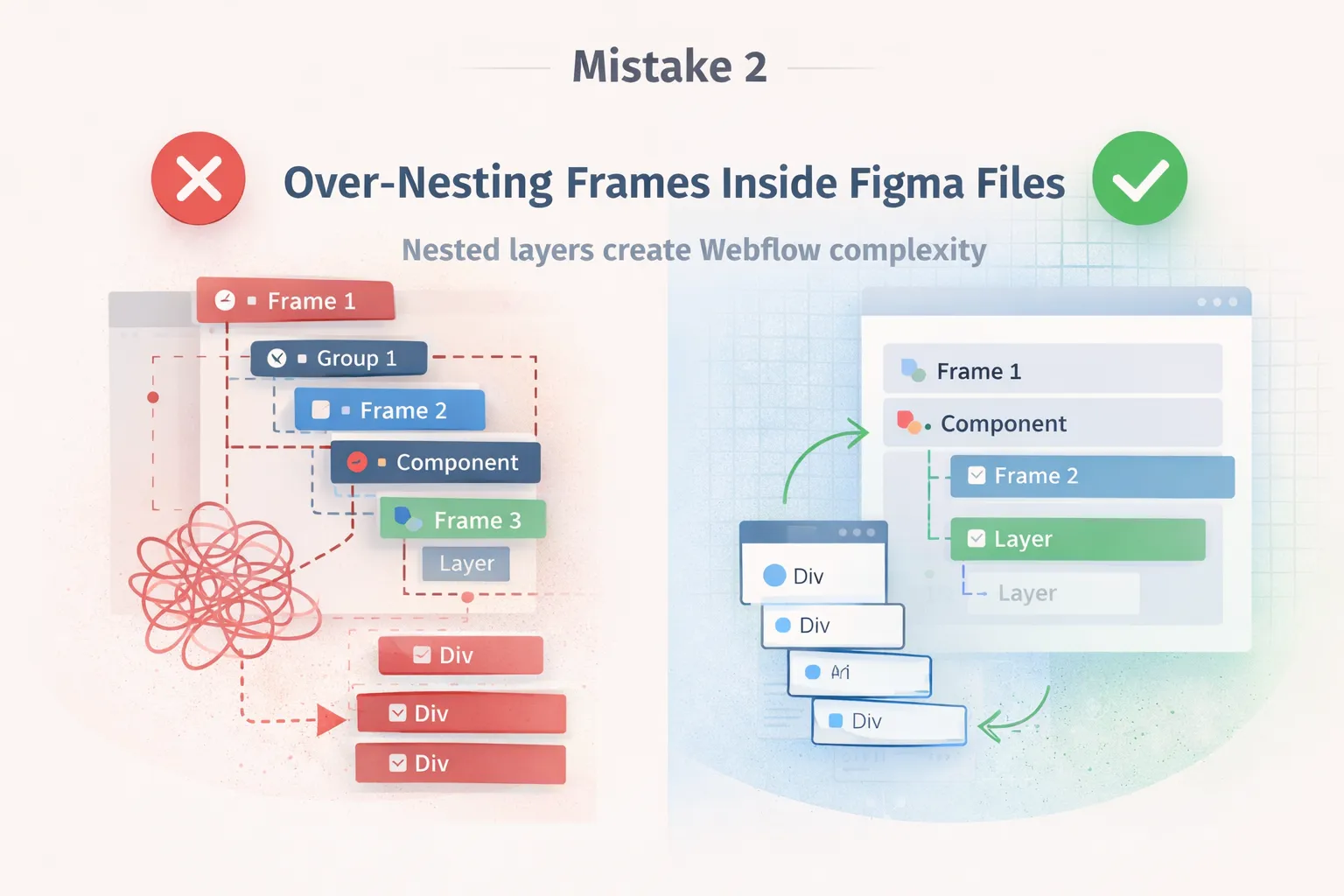
Mistake 2: Over-Nesting Frames Inside Figma Files
To keep designs visually organized, many designers overuse frames and groups inside figma files. While this feels tidy during design reviews, it creates unnecessary structural noise during development.
Every extra wrapper in figma design becomes a real div once the project enters webflow development. Over time, this leads to bloated HTML, complex nesting, and fragile layouts.
This problem becomes especially painful when working with webflow cms, reusable components, or long-term site maintenance.
Why this breaks Webflow builds
- Excessive divs reduce performance
- Component reuse becomes difficult
- Webflow integration logic becomes harder to manage
Over-nested designs turn clean webflow templates into hard-to-maintain websites.
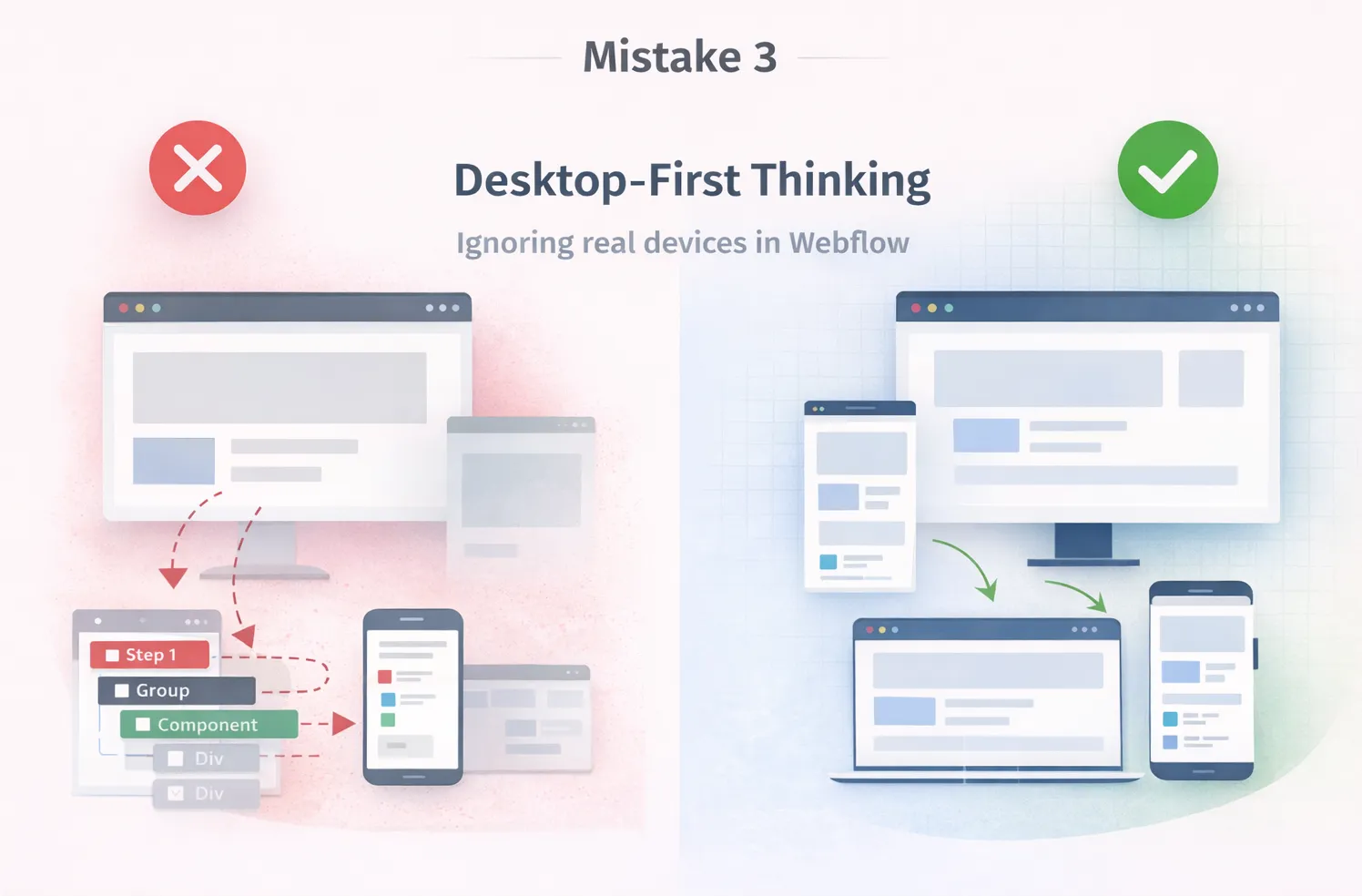
Mistake 3: Desktop-First Thinking That Ignores Real Devices
Even in 2026, many figma sites are designed primarily for desktop screens. Mobile and tablet views are adjusted later, often under time pressure.
This approach ignores how real users interact with modern websites and how custom website development must support multiple devices from day one.
When desktop-only designs move into figma to webflow workflows, developers face broken layouts, overflowing text, and inconsistent spacing across breakpoints.
Why this breaks Webflow builds
- Mobile layouts collapse under real content
- CMS cards behave unpredictably
- Breakpoint fixes become manual and time-consuming
Desktop-first design creates unstable Webflow builds and delays launch timelines.
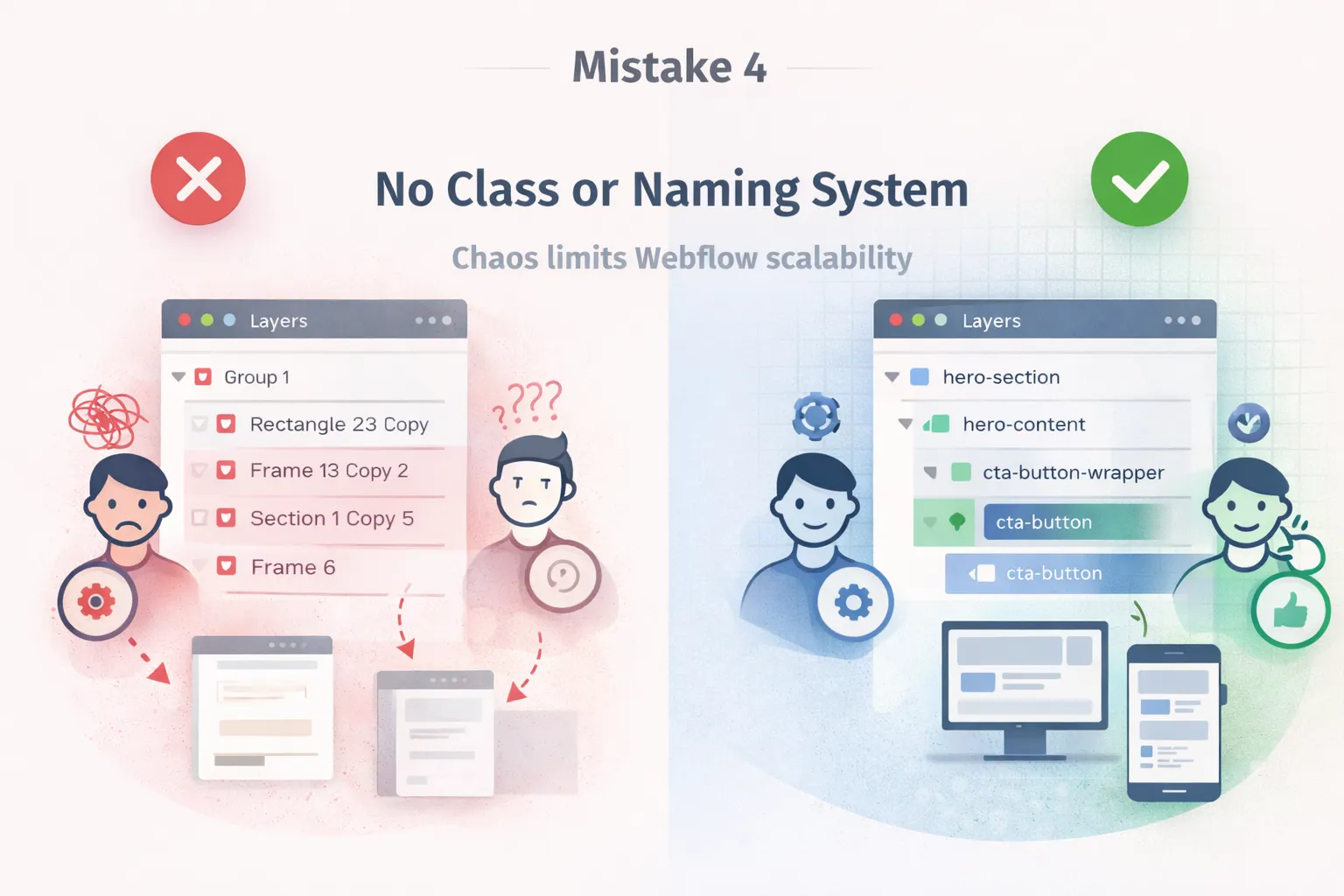
Mistake 4: No Class or Naming System in Figma Design
Layer names in figma design directly influence how classes are created during webflow development. When naming is random or inconsistent, the resulting Webflow class system becomes chaotic.
Without a naming strategy, even small updates require touching multiple elements, increasing the chance of errors. This also makes webflow cms editing unsafe for non-technical users.
Over time, poor naming destroys scalability and limits future webflow integration possibilities.
Why this breaks Webflow builds
- Duplicate styles across pages
- Bloated and confusing class systems
- Difficult long-term maintenance
End result, Bad naming removes the flexibility Webflow is designed to provide.
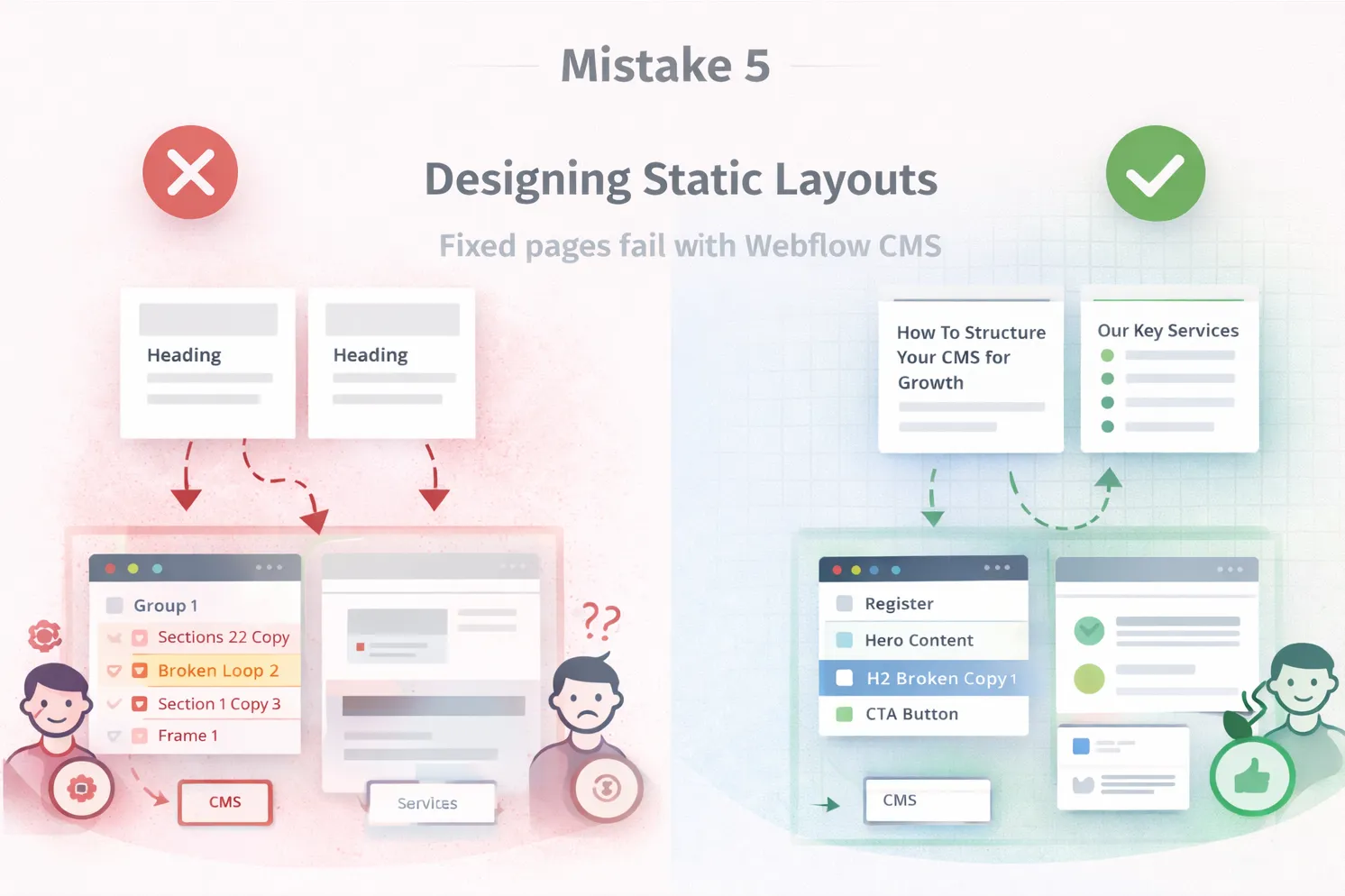
Mistake 5: Designing Static Layouts for Dynamic Webflow CMS Content
Many designers still design layouts assuming fixed content length, perfect image ratios, and predictable formatting. This approach directly conflicts with how webflow cms works in real projects.
Once real blog posts, services, or dynamic data are added, these static assumptions fail. Cards stretch, layouts break, and content editors struggle to manage pages.
This mistake limits the value of custom website development services and prevents sites from scaling.
Why this breaks Webflow builds
- Fixed heights break CMS layouts
- Collection pages lose consistency
- Editors cannot safely update content
The result, Static design thinking undermines the power of webflow cms.
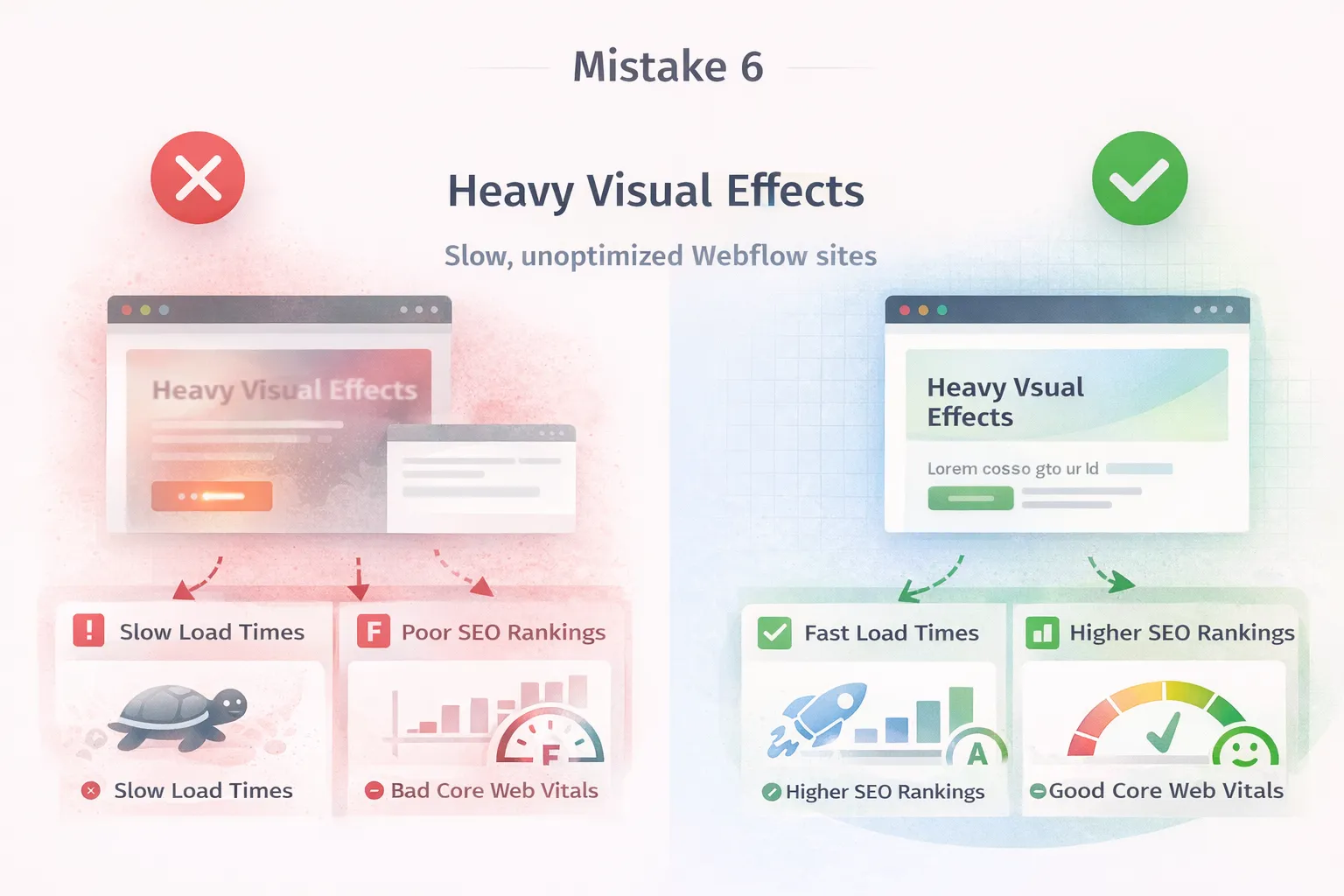
Mistake 6: Heavy Visual Effects That Hurt Performance
Modern figma design often prioritizes visual impact without considering real-world performance. Heavy shadows, layered effects, and complex animations may look impressive in mockups.
However, once implemented in Webflow, these choices increase load times, hurt Core Web Vitals, and reduce SEO performance. In 2026, performance directly affects rankings and conversions.
Even advanced webflow templates cannot compensate for poor performance decisions made during design.
Why this breaks Webflow builds
- Slower page loads
- Poor SEO and user experience
- Reduced conversion rates
Result? Over-designed websites fail to compete in search and usability.
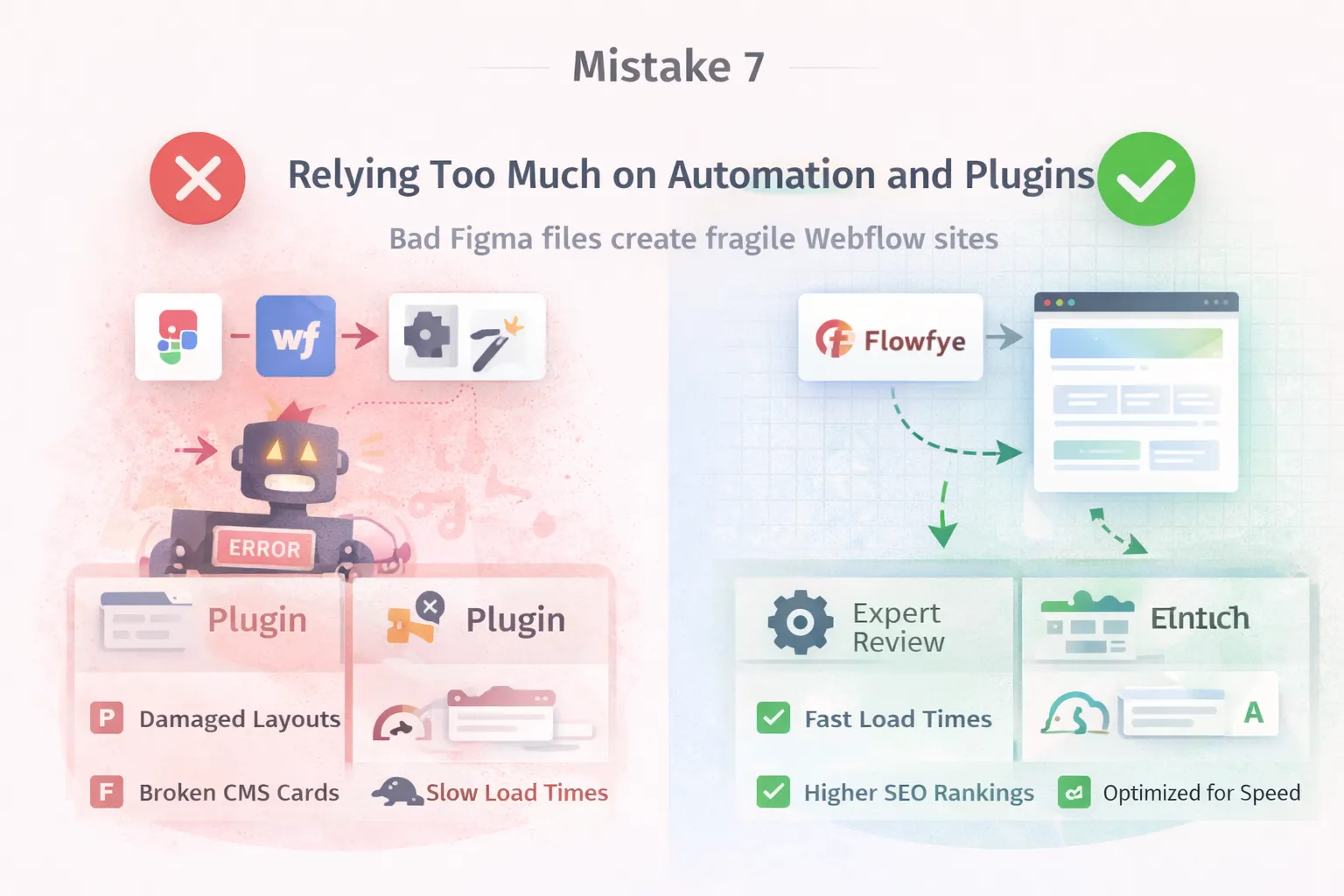
Mistake 7: Relying Too Much on Automation and Plugins
Automation tools for figma to webflow and figma to code workflows are powerful, but they are often misunderstood. Many teams expect plugins to solve structural, CMS, and performance problems automatically.
In reality, automation only follows instructions. If the figma files are poorly structured, automation simply speeds up bad results.
Without expert oversight, automated builds quickly become fragile and hard to maintain.
Why this breaks Webflow builds
- Plugins cannot fix design logic
- CMS architecture still needs planning
- Performance issues remain unresolved
In the end,automation without expertise creates unstable Webflow sites.
Why These Mistakes Matter in 2026
Search engines, users, and businesses now expect fast, scalable, and maintainable websites. figma design, webflow development, and webflow cms must work as a single system. Ignoring these fundamentals leads to failed custom website development services, regardless of tools or templates used.
How Flowfye Fixes Broken Figma to Webflow Workflows
At Flowfye, we approach projects with Webflow-first thinking from day one. We don’t just convert designs, we build production-ready systems.
Our services include:
- Expert figma to webflow execution
- Scalable webflow cms architecture
- High-performance webflow templates customization
- Advanced webflow integration
- End-to-end custom website development services
Websites that rank higher, load faster, and scale confidently.If your Webflow builds keep breaking, Flowfye helps you fix the workflow, not just the design.
Final Thoughts
In 2026, successful websites are no longer built by design alone or development alone. They are built through a connected figma to webflow workflow where structure, performance, scalability, and content behavior are considered from the very first design decision.
Most Webflow build failures are not caused by missing features or platform limitations. They happen because figma design choices ignore how webflow cms, components, responsiveness, and real users behave in production. When these mistakes compound, even the best-looking designs turn into fragile, hard-to-maintain websites.
The difference between a broken build and a high-performing site is not the toolset, it is the workflow. Teams that design with Webflow in mind build faster, scale easier, and rank better.

