Introduction
Modern websites do not work in isolation. They connect with tools, platforms, and systems to run marketing, sales, content, and payments smoothly. This is where Webflow integrations become essential.
In this guide by Flowfye, we break down how Webflow third-party integrations, Webflow apps, and the Webflow API help you build scalable, automation-ready websites, followed by the most practical integrations you should use today.
Understanding Webflow Integrations & Why They Matter
Webflow integrations connect your Webflow website with external tools and platforms using different Webflow integration types, such as native apps, automation tools, or custom connections built with the Webflow API. Instead of working as a standalone website, Webflow becomes part of a connected system where data and actions flow automatically.
With the right setup using Webflow apps or the Webflow API, Webflow can send form data to CRMs and email tools, sync CMS content with external platforms, accept secure online payments, and automate workflows across multiple tools.
In 2026, integrations are essential because businesses expect automation, speed, and reliability. Marketing and sales tools must stay connected, content needs to scale across platforms, and payment and data flows must work without friction. Without proper Webflow third-party integrations, growth becomes slower, workflows break down, and teams lose efficiency.
How Webflow Integrations Work
There are three main Webflow integration types:
- Native Webflow apps from the Apps Marketplace
- Automation tools that connect Webflow to hundreds of services
- Custom integrations built using the Webflow API
Choosing the right type depends on your business complexity, scale, and long-term goals.
One of the most accessible ways to build integrations is through Webflow apps available in the Webflow Apps Marketplace. These apps allow site owners to connect CRMs, analytics, forms, and marketing tools directly to Webflow without custom code, making them ideal for fast setup and ongoing management.
Top 5 Webflow Integrations You Should Use
These Webflow integrations help connect design, automation, marketing, payments, and CRM into a single, scalable website system.
1. Shopify
2. Zapier
3. Mailchimp
4. Stripe
5. HubSpot
1. Shopify Integration
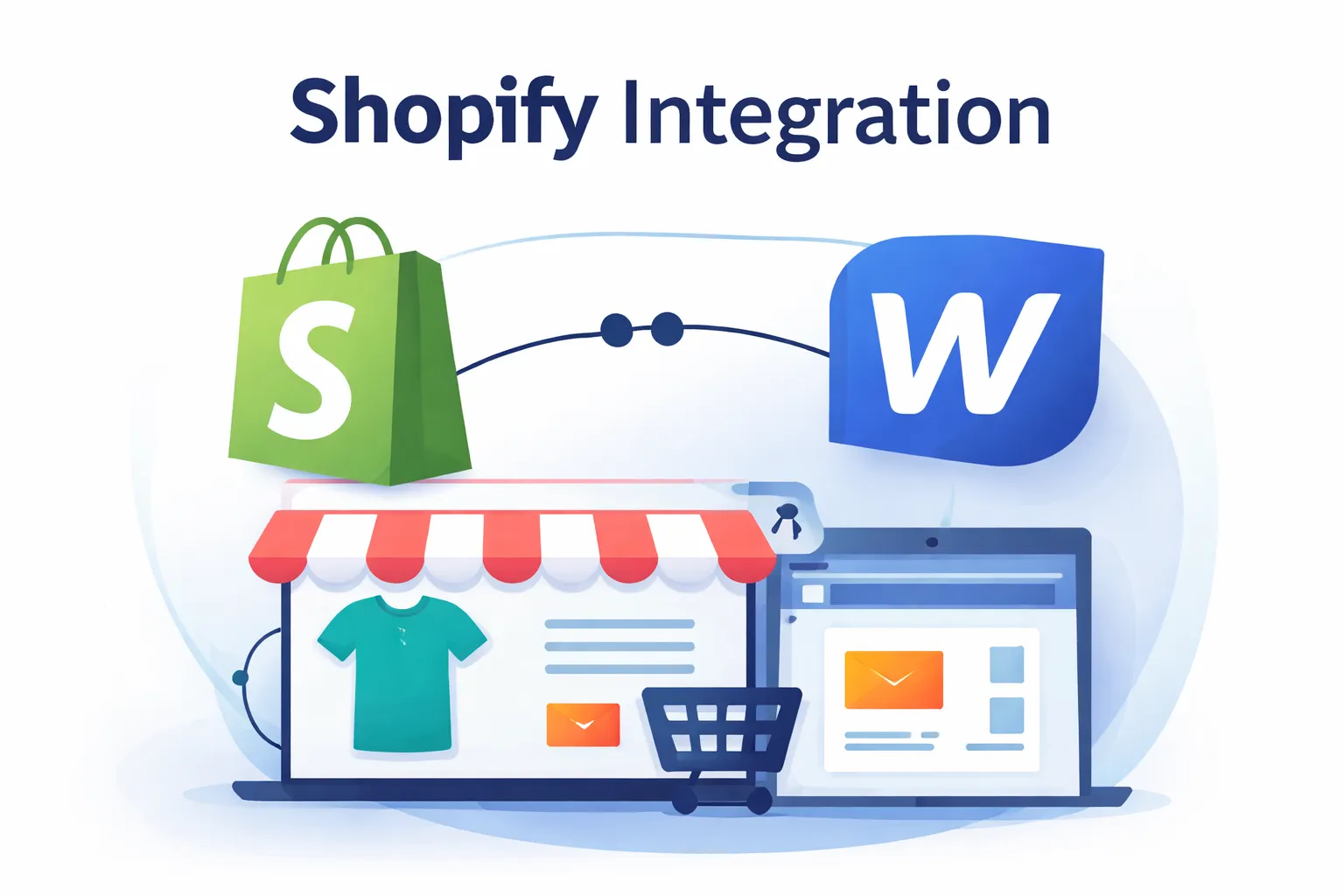
A Shopify integration allows you to combine Webflow’s design flexibility with Shopify’s powerful ecommerce engine.
Use cases
- Custom storefronts built in Webflow
- Shopify product and checkout management
- High-performance marketing websites with ecommerce
This setup is ideal for brands that want design freedom without sacrificing ecommerce reliability. Keywords like what is shopify, shopify website, and shopify themes naturally align with this integration.
2. Zapier Webflow Automation
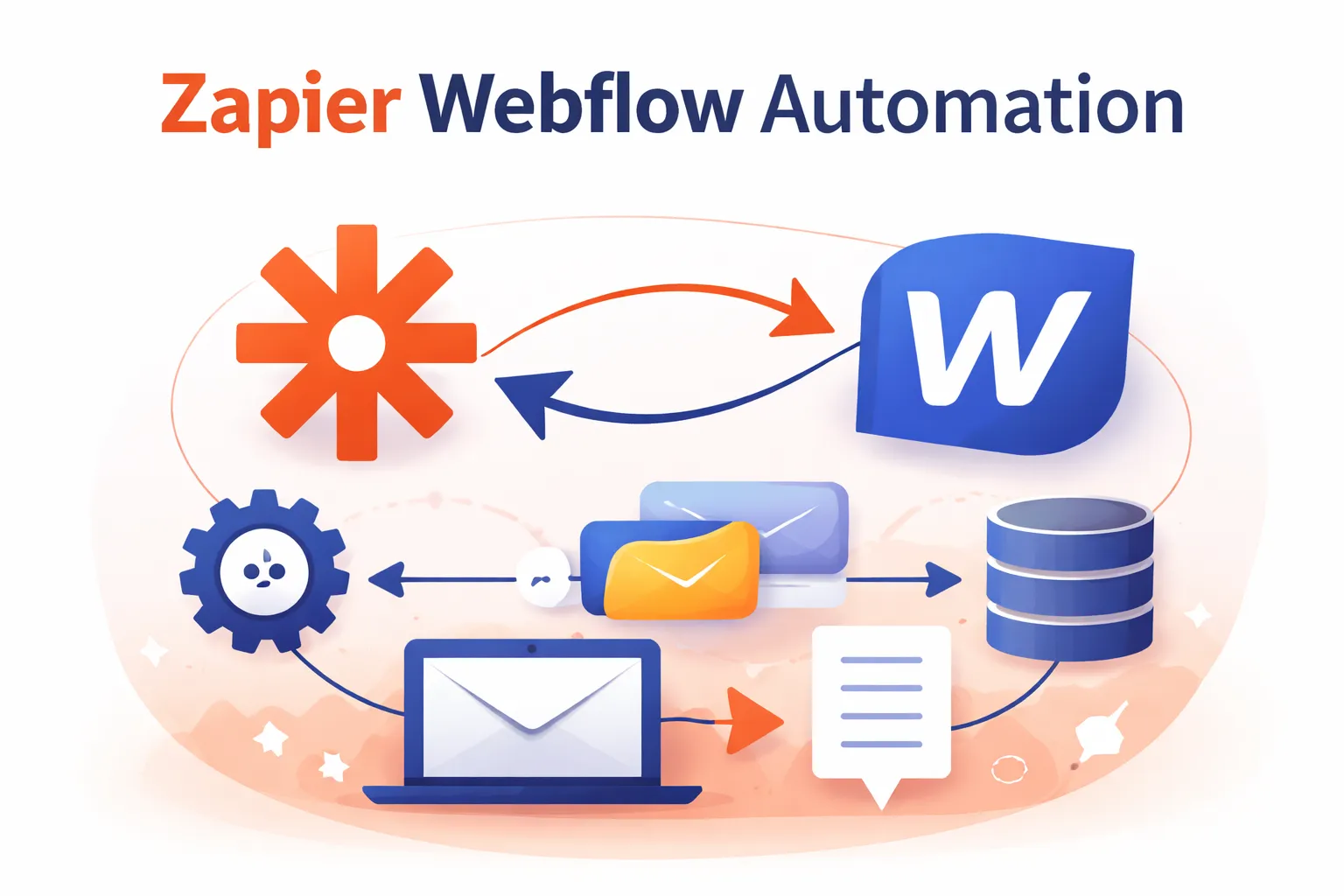
Zapier Webflow integration connects Webflow with thousands of apps without writing code.
Common automations
- Form submission → CRM entry
- CMS update → email trigger
- User signup → internal notification
Zapier is one of the most flexible Webflow integration types for automation-first teams.
3. Mailchimp Integration

A Mailchimp integration helps turn Webflow visitors into subscribers and customers.
Key benefits
- Sync Webflow forms with email lists
- Automate newsletters and campaigns
- Segment users based on behavior
Mailchimp works especially well for content sites, SaaS landing pages, and marketing funnels built in Webflow.
4. Stripe Payments Integration
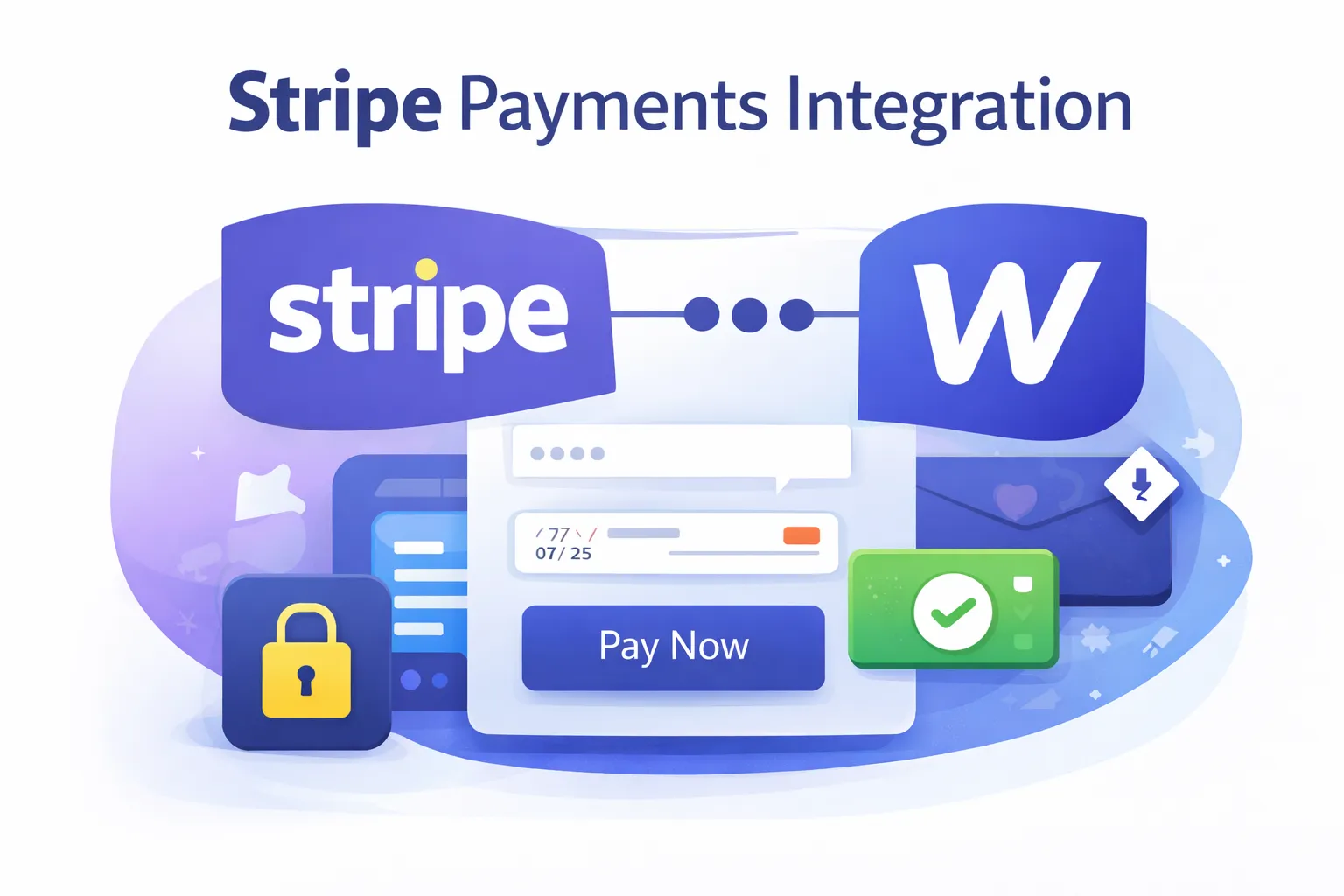
Stripe payments integration enables secure transactions directly through Webflow.
What you can do
- Accept one-time payments
- Sell digital products or services
- Connect custom checkout experiences
Stripe is trusted globally and integrates seamlessly with Webflow using native and API-based methods.
5. HubSpot Webflow CRM Integration
HubSpot Webflow integration connects your website with a full CRM and marketing automation system.
Best use cases
- Lead capture and scoring
- Sales pipeline tracking
- Email and campaign automation
For B2B and SaaS websites, HubSpot is one of the most powerful Webflow third-party integrations available.
Troubleshooting Webflow Integrations
Even well-planned setups may need optimization. Troubleshooting Webflow integrations usually involves:
- Checking API permissions and tokens
- Verifying form field mappings
- Testing automation triggers
- Monitoring failed tasks or logs
A structured testing process prevents data loss and workflow breaks.
How Flowfye Supports Webflow Integrations
Flowfye approaches Webflow integrations as part of a complete website system, not isolated add-ons. Each service plays a role in making Webflow integration types, Webflow apps, and Webflow API connections work reliably and at scale.
- Webflow Development
Builds a clean, scalable Webflow foundation so Webflow third-party integrations work smoothly without breaking performance, CMS structure, or responsiveness. - UI/UX Design
Designs forms, payment flows, and dynamic content so integrations feel natural to users, improving usability and conversion while automation runs in the background. - Theme Customization
Customizes existing Webflow themes to support advanced integrations like CRM syncing, email automation, and ecommerce workflows without rebuilding from scratch. - Platform Migration
Migrates websites from other platforms to Webflow while securely reconnecting CRMs, payment systems, analytics, and other essential integrations. - Maintenance & SEO
Monitors, troubleshoots, and optimizes integrations over time, ensuring automation stability, fast performance, and SEO-friendly technical setups.
This structured approach allows Flowfye to deliver Webflow integrations that are stable, scalable, and aligned with real business growth.
Best Practices for Webflow Integrations
- Choose the simplest integration type first
- Use native apps when possible
- Rely on automation tools for speed
- Use the Webflow API for advanced logic
- Document every integration clearly
At Flowfye, we recommend building integrations with future scaling in mind.
Final Thoughts
Webflow integrations are no longer optional. They define how efficiently your website operates, scales, and converts.
By combining Webflow apps, smart automation, and the Webflow API, businesses can create connected digital ecosystems that grow without friction.
If you want help planning, building, or optimizing Webflow integrations, Flowfye can help you design systems that actually work.

