Introduction
In 2026, a website is no longer just a digital presence. It is a growth engine, a content platform, and often the first point of trust for a brand. Businesses now expect websites to load instantly, scale effortlessly, rank in search engines, and remain easy to manage long after launch.
This shift is why custom websites Webflow has become a preferred choice for modern businesses. With a tightly integrated ecosystem of Webflow tools, native CMS, built-in hosting, and advanced SEO control, Webflow has moved far beyond being just a visual builder.
In this article, we break down six essential Webflow features that truly define high-performing custom websites in 2026.
Key takeaways from this section
- Websites are now business systems, not static pages
- Performance, scalability, and SEO are baseline expectations
- Webflow features align well with modern growth needs
How Webflow Tools Power Modern Custom Website Development
Webflow today functions as a unified platform where design, development, content management, SEO, and hosting work together seamlessly.
Instead of relying on dozens of plugins or external tools, Webflow allows teams to manage design systems, structured content via Webflow CMS, SEO rules, and hosting from one place. This matters because modern websites evolve constantly with campaigns, content updates, and business growth.
The strength of Webflow features lies in how they support this evolution without technical friction.
Why these capabilities matter
- Fewer dependencies compared to plugin-heavy setups
- Faster updates across design and content
- Better long-term maintainability
1. Scalable CMS Architecture Built for Growth
The Webflow CMS has become one of the most powerful tools for building custom websites in 2026.
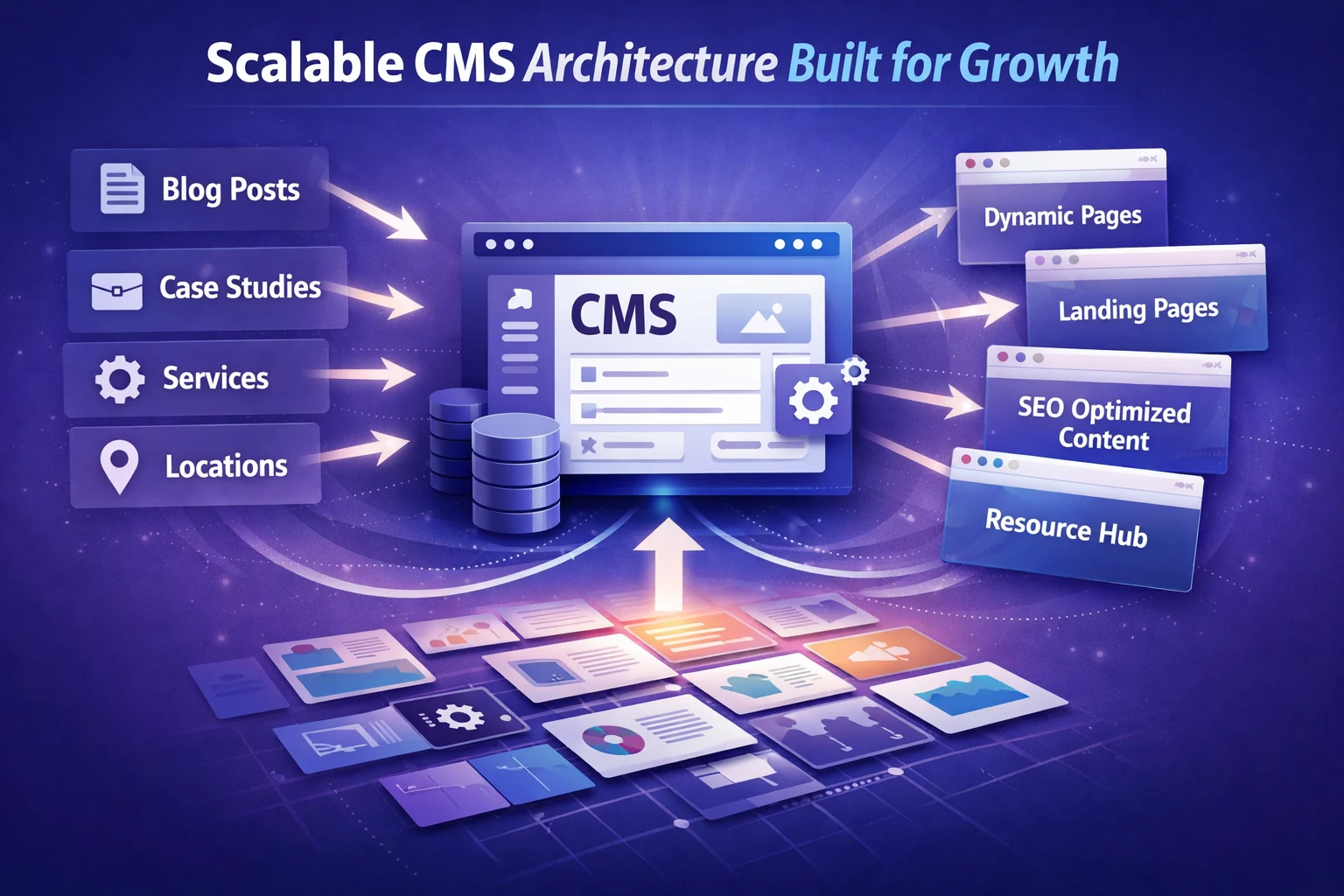
Rather than using CMS only for blogs, modern Webflow projects rely on multiple CMS collections to manage services, industries, locations, case studies, landing pages, and resources. These collections are structured intentionally to support scalability and SEO growth.
This approach allows teams to create hundreds of pages from a single design system while keeping content clean and manageable. Compared to rigid structures found in many webflow templates, a custom CMS architecture provides full control and flexibility
What this enables
- Services, case studies, and landing pages powered by CMS
- Location-based and niche-based SEO pages
- Structured content without duplicating layouts
Why this matters
- Supports programmatic SEO growth
- Reduces future redesigns
- Keeps content editable for non-technical teams
2. Performance-First Development with Native Hosting
Performance has become one of the biggest deciding factors in modern website success.
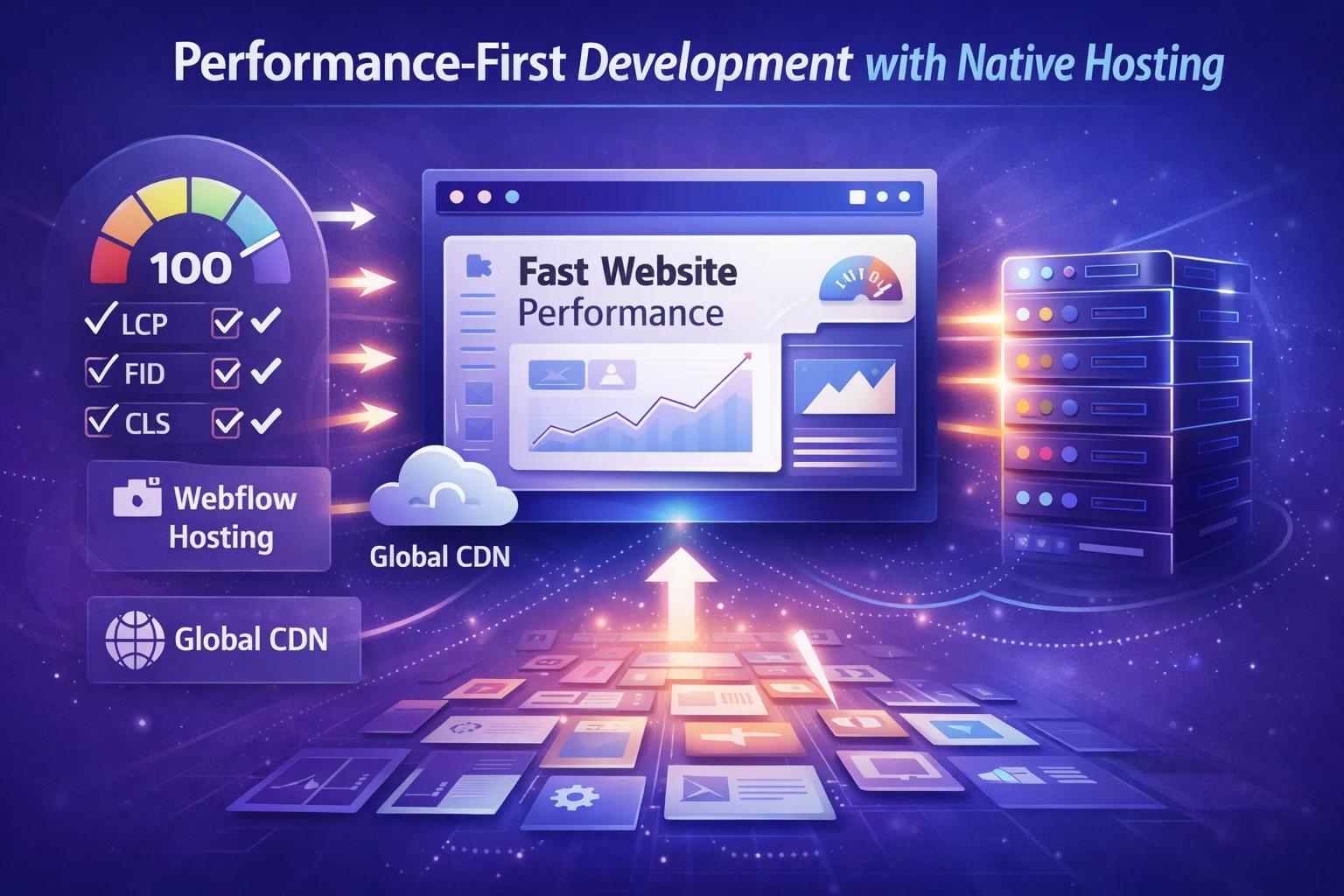
With built-in Webflow hosting, custom websites benefit from global CDN delivery, optimized asset handling, and clean code output. In 2026, performance is no longer something added later. It is baked into the development process.
Professional Webflow development focuses on minimizing DOM complexity, optimizing images and fonts, and using interactions responsibly. These decisions directly influence search rankings, bounce rates, and conversion performance.
Performance-focused advantages
- Fast load times across regions
- Better Core Web Vitals scores
- Stronger mobile performance
Why this matters
- Speed directly impacts SEO and conversions
- Users abandon slow websites quickly
- Performance compounds results from paid traffic
3. Component-Based Design Systems Using Webflow Components
Custom websites in 2026 are built as systems, not individual pages.
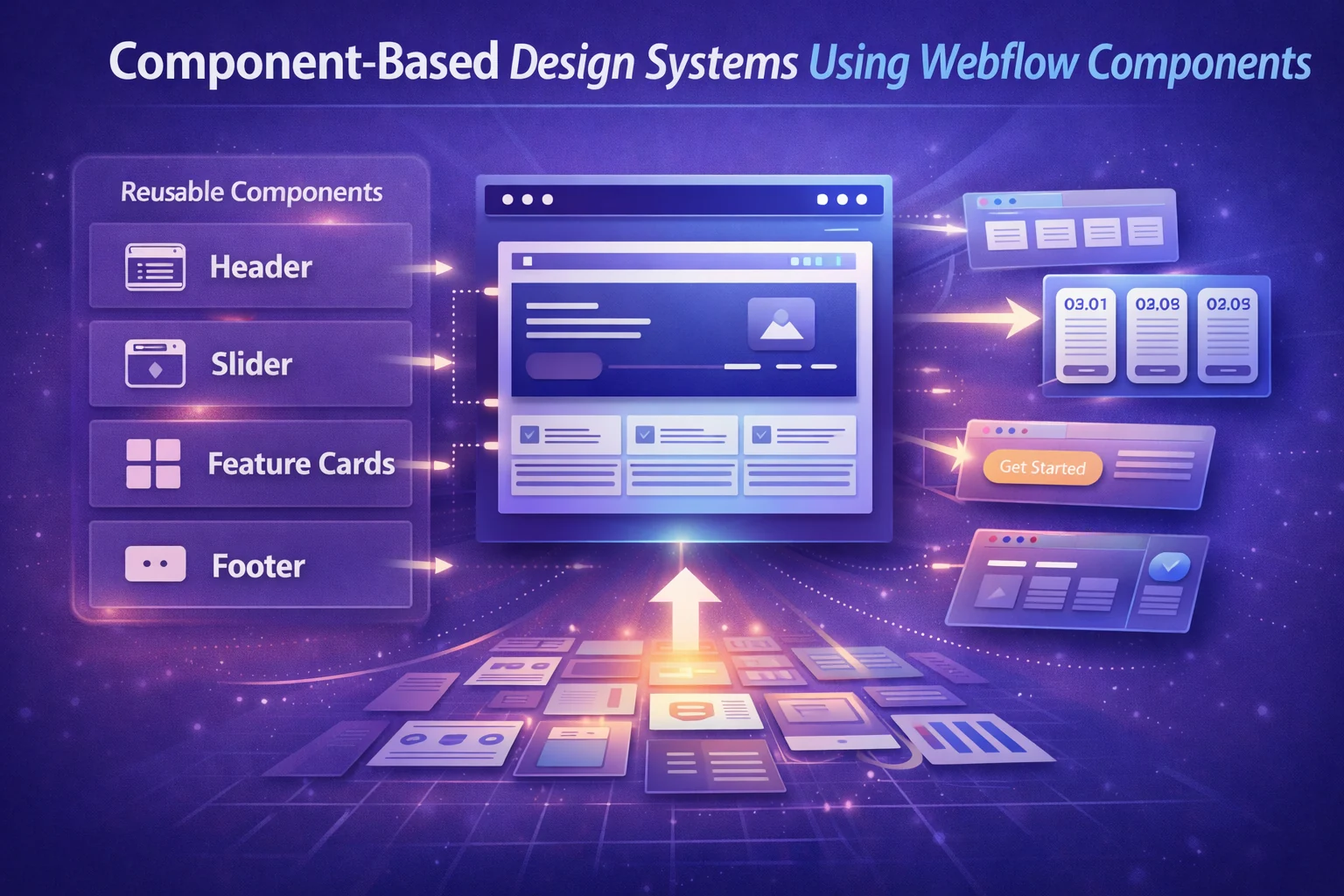
Using Webflow components, teams create reusable sections such as headers, feature blocks, CTAs, and pricing layouts. These components ensure consistency across the site while making updates faster and safer.
This system-based approach is especially valuable for growing businesses that frequently update messaging, launch new pages, or refine their positioning.
Examples of reusable components
- Navigation bars and footers
- Feature grids and content blocks
- Pricing sections and CTAs
Why this matters
- Maintains brand consistency at scale
- Reduces human error during updates
- Speeds up iteration and experimentation
4. Advanced SEO Control Built into Webflow
SEO requirements have evolved, and Webflow has evolved with them.
Modern Webflow SEO capabilities allow teams to control page structure, meta data, heading hierarchy, canonical URLs, and indexing rules directly from the platform. When combined with CMS-driven content, Webflow supports scalable SEO strategies without relying on heavy plugins.
This makes Webflow particularly attractive for content-focused websites that want clean performance alongside strong search visibility.
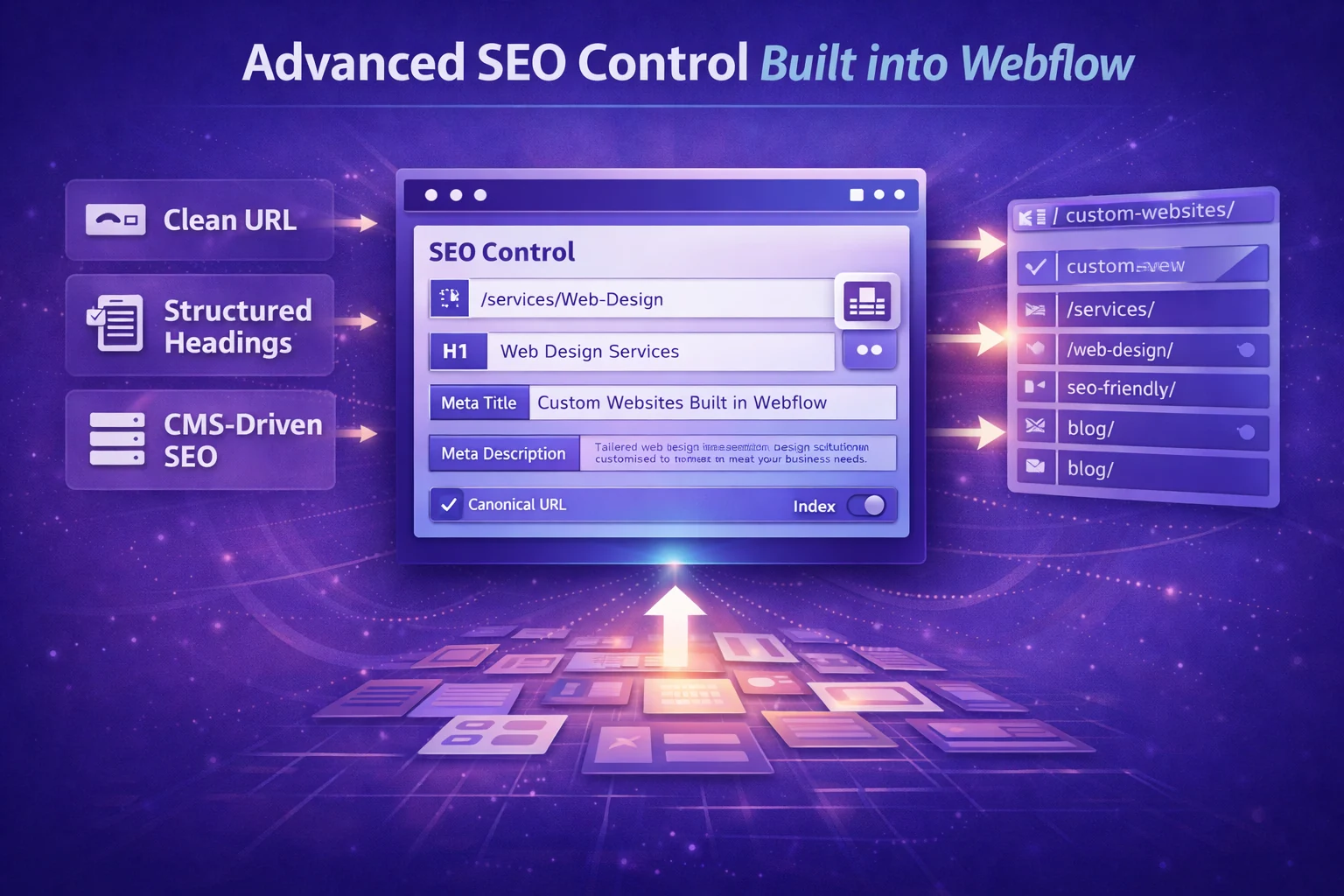
SEO controls available
- Clean URLs and structured headings
- CMS-based meta titles and descriptions
- Internal linking through dynamic content
Why this matters
- Improves long-term organic visibility
- Keeps websites lightweight and fast
- Simplifies SEO workflows for teams
5. Smart Integrations and Automation Using Webflow Tools
Websites in 2026 are deeply connected to business workflows.
Through modern Webflow tools, custom websites integrate with CRM systems, analytics platforms, email marketing tools, and automation workflows. Forms, lead tracking, and conversion events can be connected seamlessly without complex setups.
This turns websites from passive pages into active business systems that support marketing, sales, and operations.
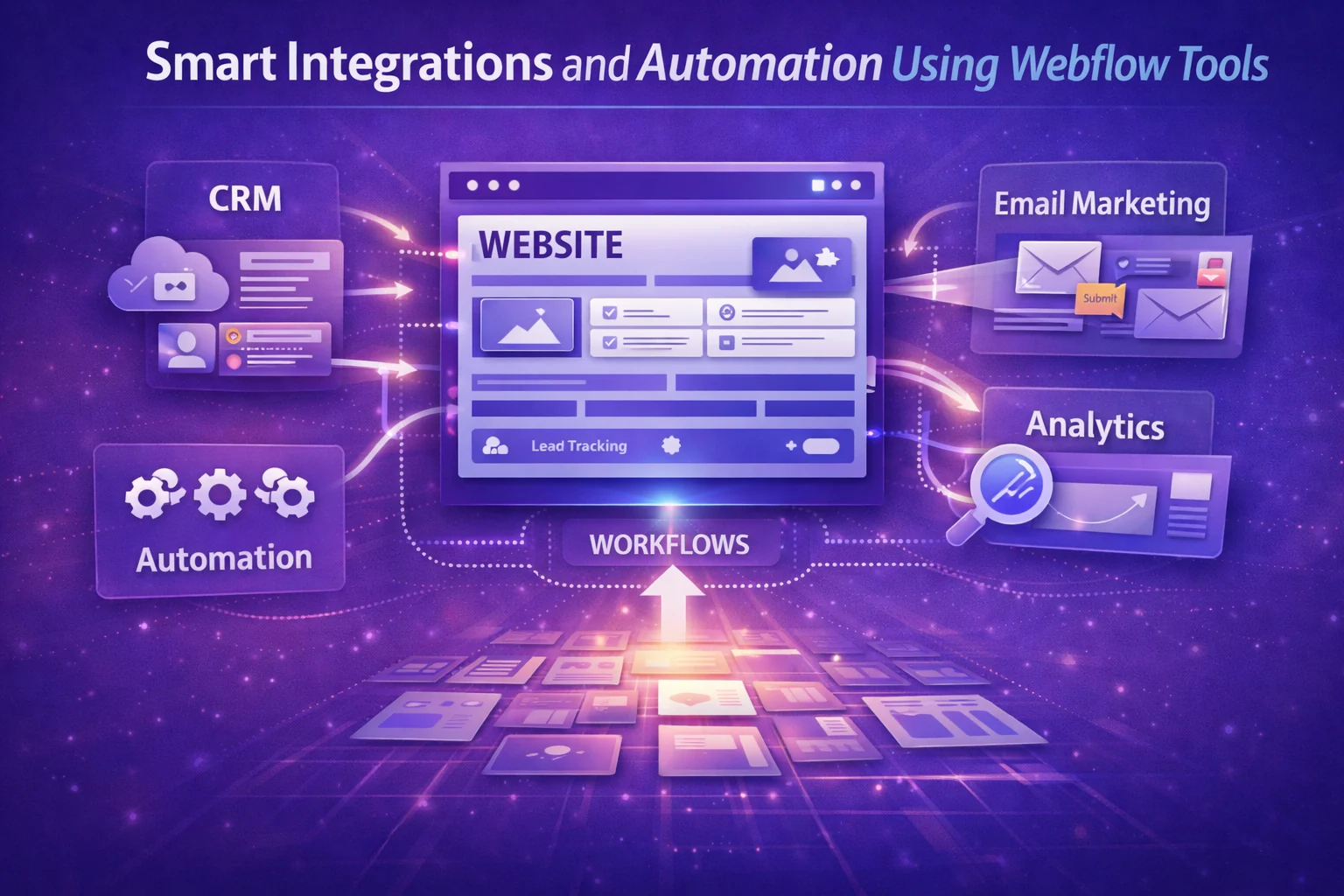
Common integration use cases
- CRM and email automation
- Analytics and conversion tracking
- Lead routing and notifications
Why this matters
- Reduces manual work
- Improves lead handling accuracy
- Enables data-driven optimization
6. Long-Term Maintainability with Client-Safe Editing
A custom website should remain usable long after launch.
In 2026, successful Webflow projects prioritize editor-safe structures, clear CMS fields, and locked design logic. This allows clients to update content confidently without risking layout issues or design inconsistencies.
Compared to traditional CMS platforms, Webflow offers a cleaner editing experience that balances flexibility with control.
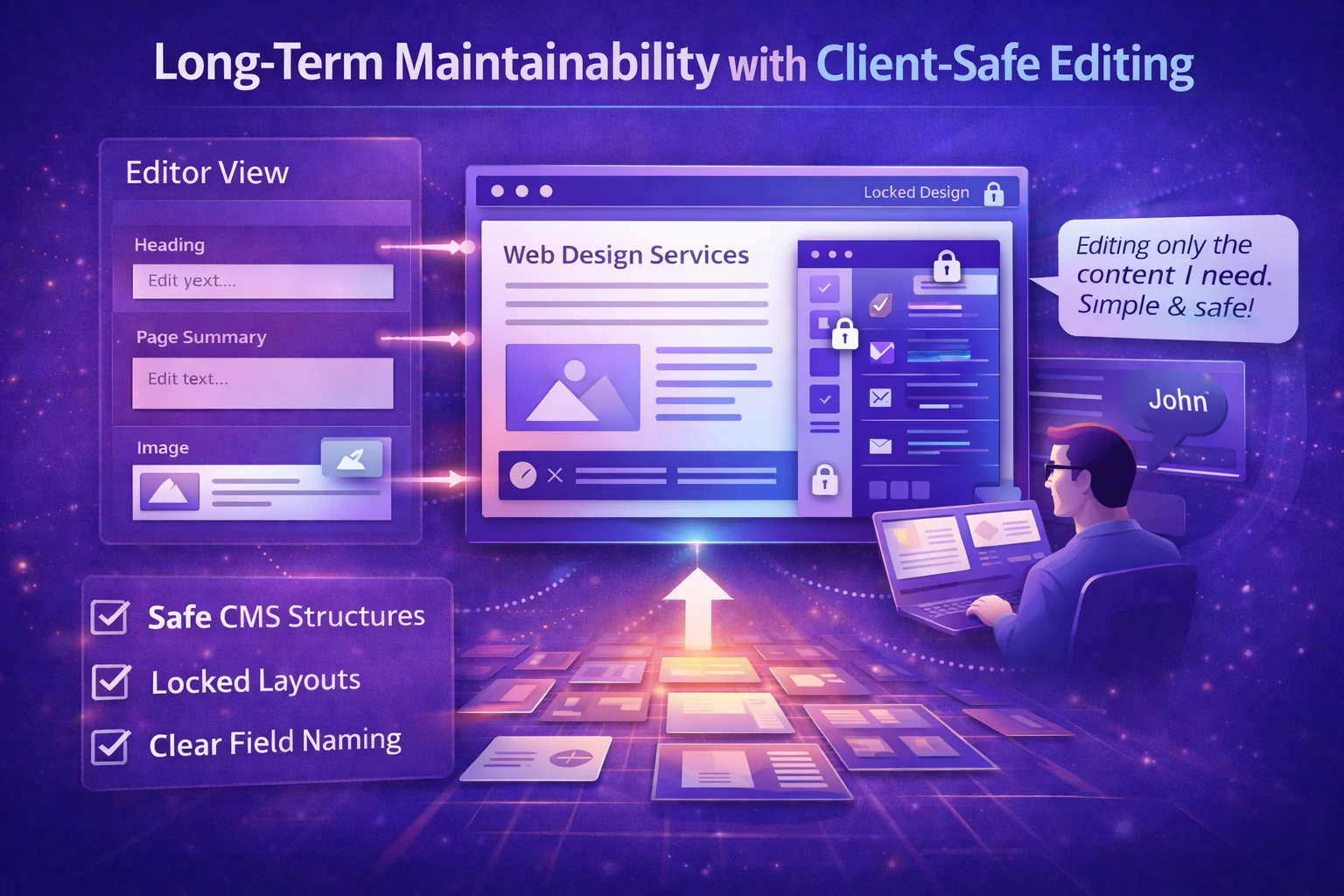
Client-safe practices
- Locked layouts with editable content zones
- Clear field naming inside Webflow CMS
- Controlled access for editors
Why this matters
- Reduces ongoing support needs
- Builds client confidence
- Extends the website’s lifespan
Theme Customization in Webflow: How Flowfye Helps
Many businesses start with webflow templates for speed and cost efficiency. However, templates often cover only the basics and fail to fully represent a brand’s identity, structure, or growth needs.
This is where Flowfye’s Theme Customization services play a critical role.
At Flowfye, we transform templates into fully custom websites by:
- Customizing layout structure and page flow
- Refining UI and UX to match brand positioning
- Rebuilding CMS architecture for scalability
- Optimizing performance and Webflow SEO
- Aligning the site with real business goals
Theme customization bridges the gap between speed and originality, allowing businesses to move fast without looking generic.
Final Thoughts
The most successful websites in 2026 are not defined by visuals alone. They are defined by structure, performance, scalability, and ease of management.
These six essential Webflow features form the foundation of modern custom websites Webflow, helping businesses grow without technical limitations. When combined with thoughtful theme customization, Webflow becomes far more than a website builder.
It becomes a platform for sustainable digital growth.

